
What it does
Everything a one-person business needs to track what it spends, bill what it is owed, and judge whether a property is worth buying.
Scan a receipt
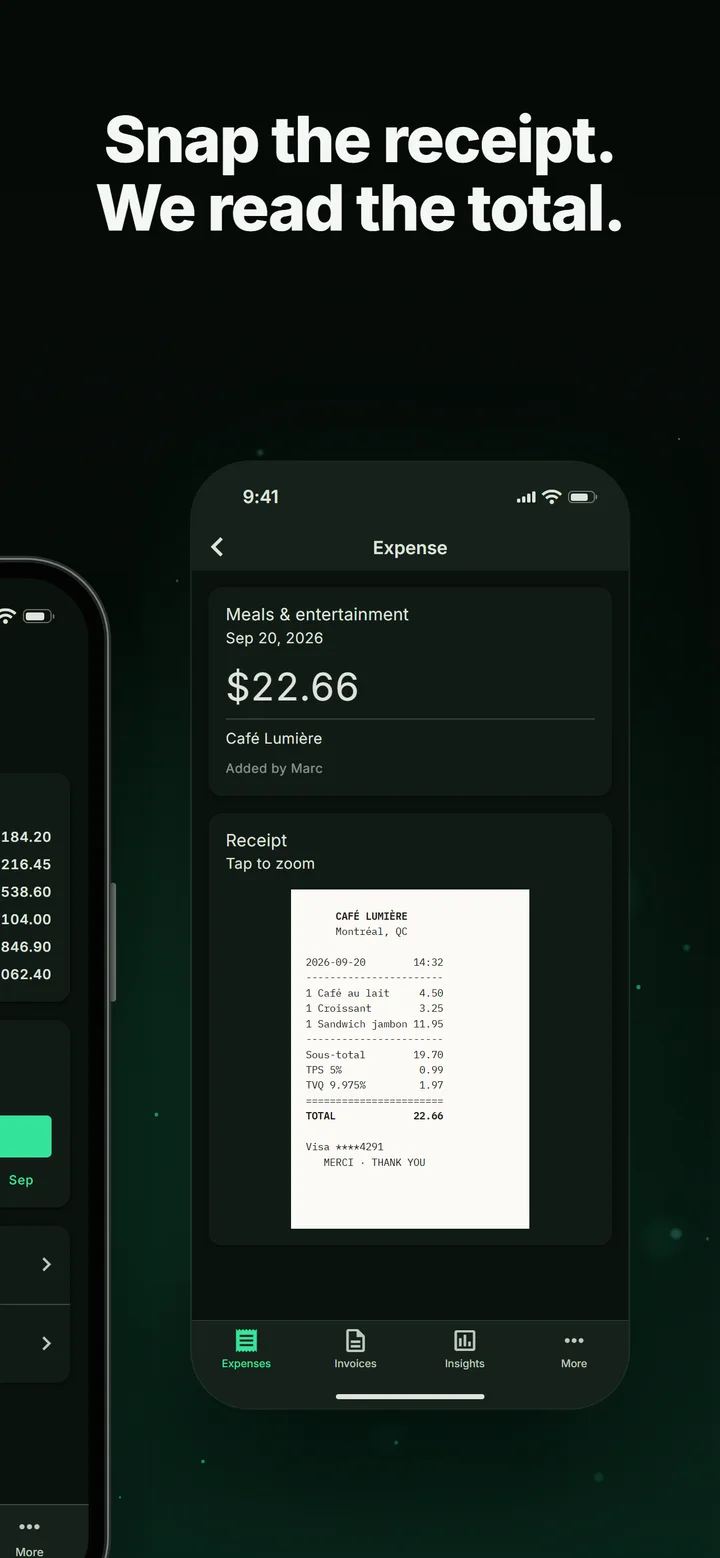
Photograph a receipt and the amount is read off it automatically. Correct anything that looks wrong before saving — it is an ordinary editable field.
Track expenses
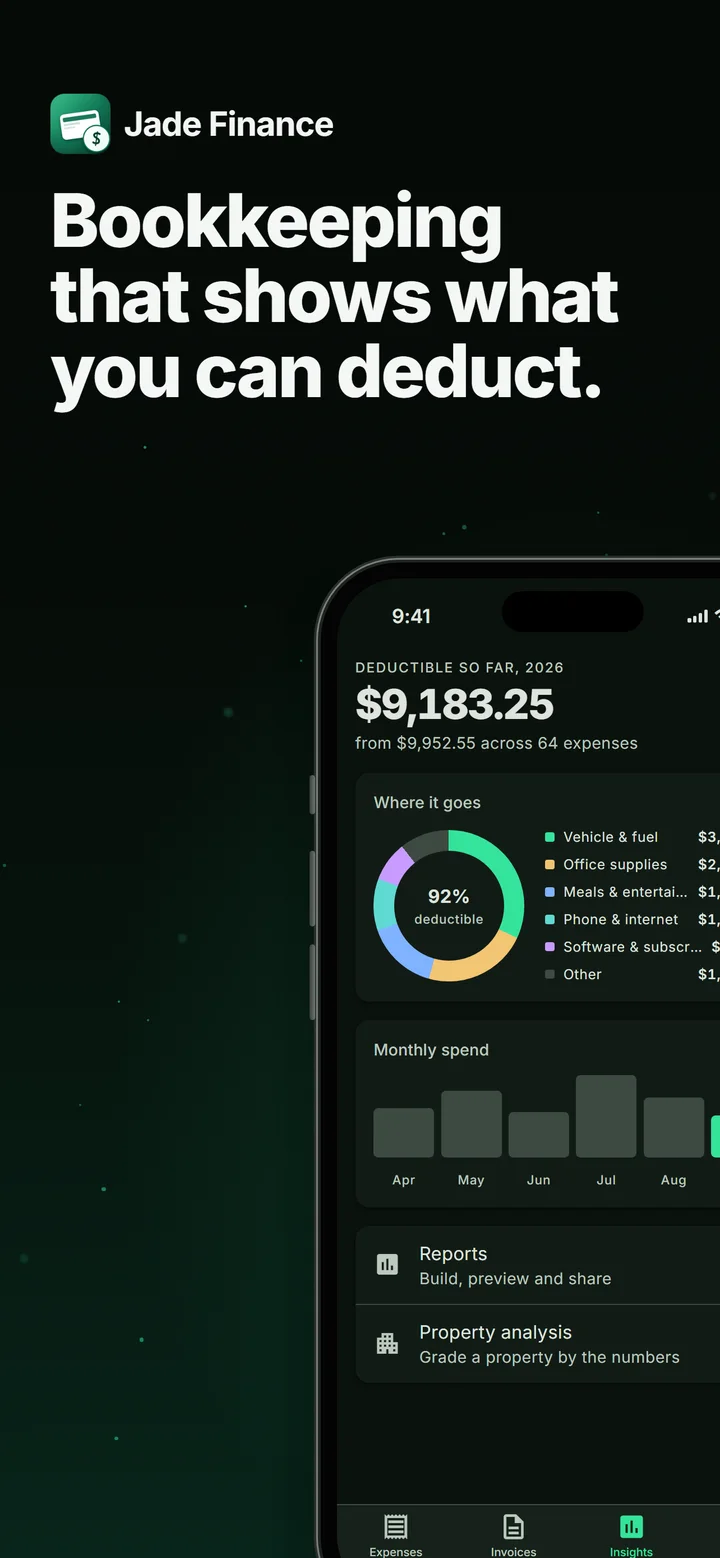
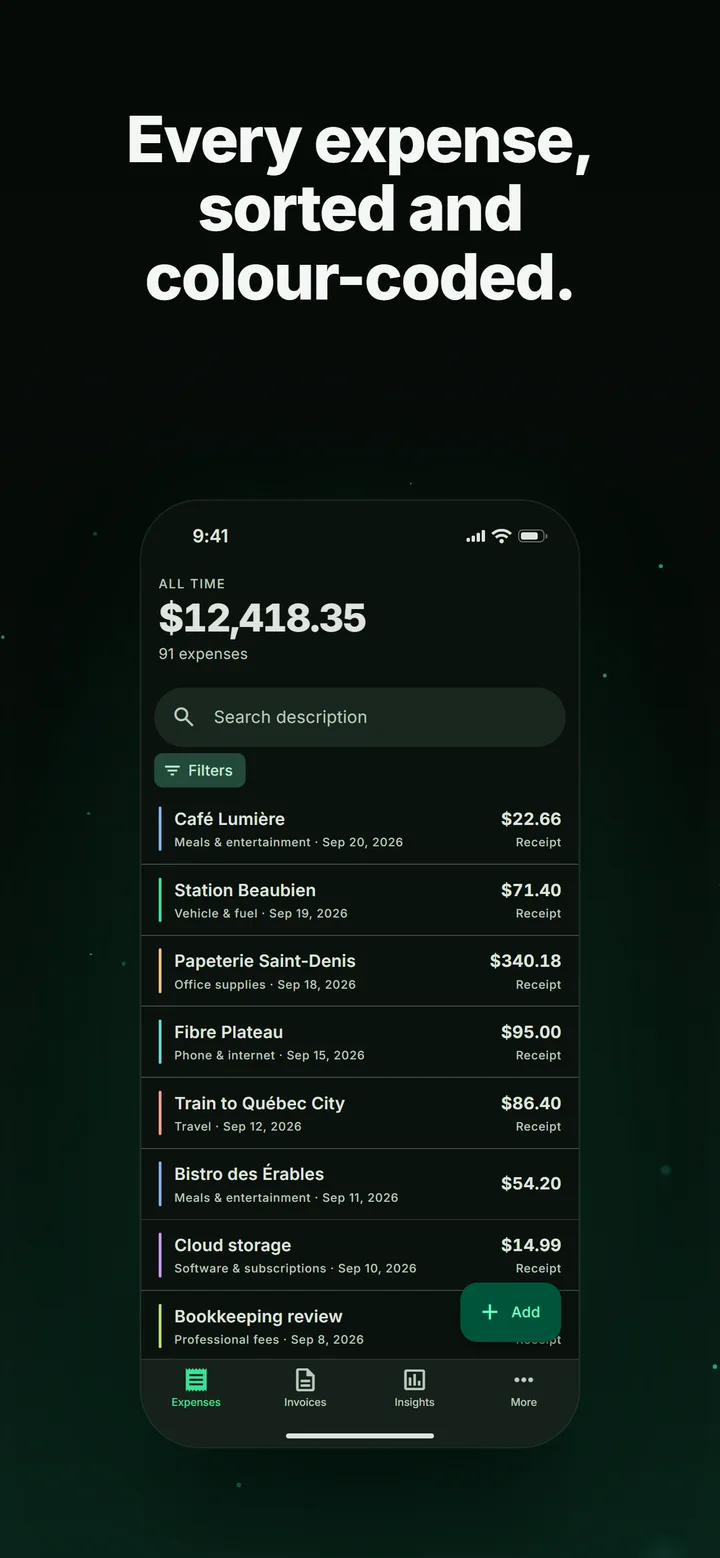
Categories you define, search, filters by type and year, running totals, and a CSV export that opens anywhere.
Send invoices
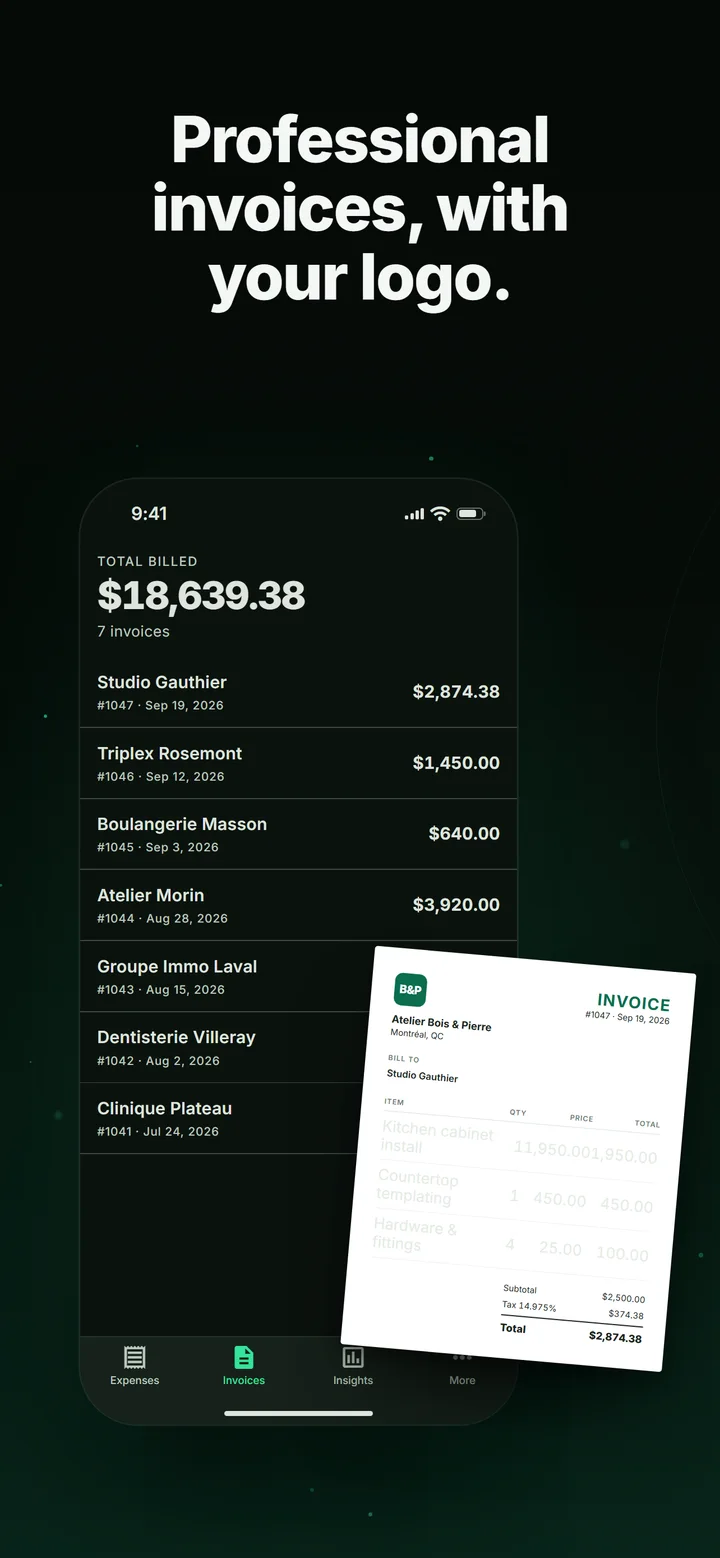
Line items, tax, your logo and your payment terms, rendered to a PDF you can print or share straight from your phone.
Deductible reports
Set a deductible percentage per category, pick a date range, and get the summary your accountant actually asks for.
Analyse a property
Cap rate, cash-on-cash, DSCR, net operating income and break-even occupancy — with a deal grade that shows exactly which assumption drove it.
Four languages
English, French, Spanish and German throughout, switchable in the app independently of your phone's language.
A look at it
The same set the App Store shows. Scroll sideways.

Pricing
Free to use, with a paid tier for people running enough through it to notice the limits.
Free
3 expenses and 1 invoice per month
- Receipt scanning
- Invoice PDFs
- Deductible reports and CSV export
- Mortgage calculator
- Property analysis
Pro
or CA$69.99 a year · one week free
- Everything in Free
- No monthly limits
- Saved properties, ranked side by side
- Ten-year equity and return projection
Prices shown are in Canadian dollars; each store charges the equivalent in your own currency. Subscriptions renew automatically unless cancelled at least 24 hours before the period ends. On iPhone, manage or cancel in Settings under your name, then Subscriptions; on Android, in Google Play under Subscriptions. Questions go to [email protected].